

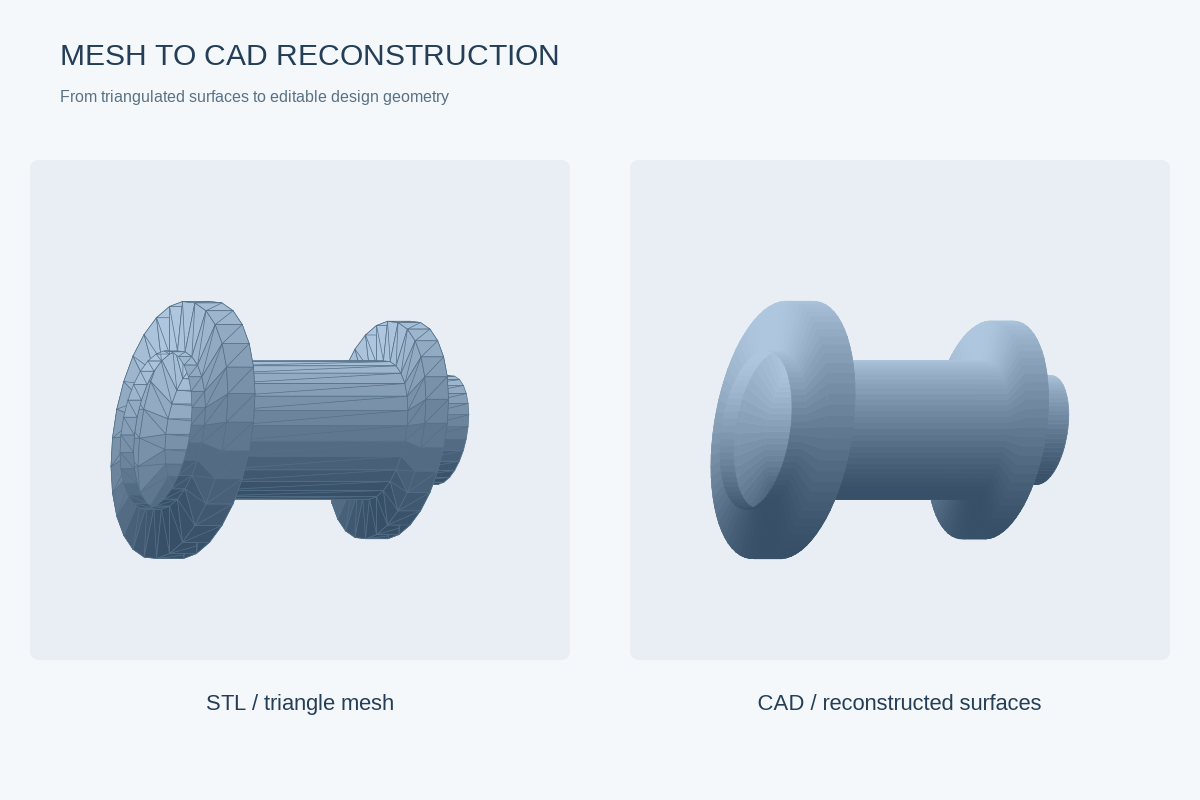
Many people receive a 3D model as an STL file and then discover that they cannot change a hole size or a wall thickness. The reason is that an STL file is not really a CAD model.
What an STL file contains
An STL describes the surface of a part as thousands of small flat triangles. There are no features, dimensions or design history: a hole is just a ring of triangles, not a cylinder with a diameter. That is perfect for 3D printing but very difficult to edit.
Why automatic conversion disappoints
Most CAD programs can import an STL and turn it into a solid, but the result is still made of triangles. It is heavy, faceted and almost impossible to modify cleanly. It is also unsuitable for accurate machining or simulation.
How a proper rebuild works
- Repair holes and errors in the mesh
- Identify true features such as planes, cylinders and fillets
- Rebuild them as parametric CAD features
- Fit smooth surfaces to organic shapes
- Check the new model against the original mesh
Getting the best result
Share the highest-quality mesh available, explain which dimensions matter and say what the CAD will be used for. A part for machining needs exact features, while a visual model can use surface fitting. Agreeing this at the start keeps the result accurate and the cost under control.
Have a question about this topic? Ask our engineers.